
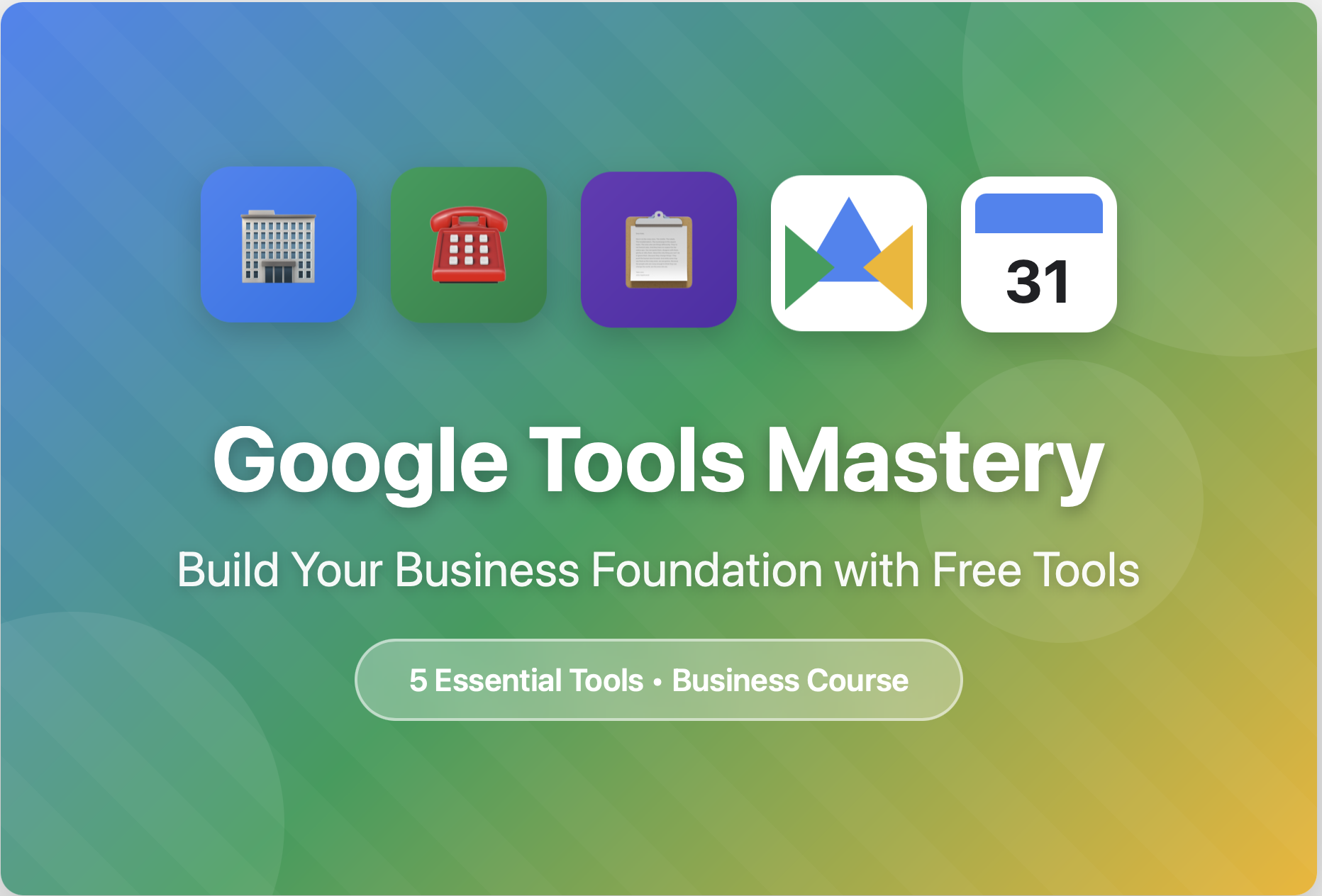
About Course
Master the FREE tools that professional businesses use daily.
In this comprehensive course, you’ll learn step-by-step how to set up and optimize 6 essential Google tools that will transform how you operate.
What You’ll Master:
✅ Google Business Profile – Get found by local customers
✅ Google Voice – Professional business phone line
✅ Google Forms – Capture leads automatically
✅ Google Drive – Organize your entire business
✅ Google Calendar – Master your time
Each module includes:
→ Step-by-step setup instructions
→ Downloadable templates and checklists
→ Real-world examples and best practices
→ Action items you can implement immediately
By the end of this course, you’ll have a professional business infrastructure—all using FREE tools!
Course Content
Getting Started
Welcome to Google Tools Mastery! Get your course materials and understand what you'll learn.
-
Welcome & Course Overview
-
Download Your Complete Checklist
Google Business Profile – Get Found Locally
Master your Google Business Profile to show up when customers search for businesses like yours. This module covers everything from initial setup to advanced optimization strategies.
-
Why Google Business Profile Matters
-
Step-by-Step Setup & Verification
-
Optimizing Your Profile for Maximum Visibility
-
Photos That Convert Browsers into Customers
-
Review Strategy & Reputation Management
-
Using Insights & Google Posts
-
Advanced Tips & Troubleshooting
-
Module 1 Completion Checklist
Google Voice
Module 2: Google Voice - Your Professional Business Line
Transform your business communication with a FREE professional phone system!
What You'll Learn:
In this module, you'll discover how to set up and use Google Voice as your dedicated business line - completely free! Whether you're a solopreneur, small business owner, or running a side hustle, Google Voice gives you a professional phone presence without the expensive phone bills.
By the end of this module, you'll know how to:
- Set up your free Google Voice number in minutes
- Create a professional voicemail greeting that builds trust
- Manage calls and texts from any device
- Keep your personal number private
- Use advanced features like call screening and forwarding
- Integrate Google Voice with your other business tools
- Present a polished, professional image to every caller
Why Google Voice?
✅ 100% FREE - No monthly fees, ever
✅ Separate business line - Keep work and personal life separate
✅ Professional image - Custom greetings and call handling
✅ Works anywhere - Desktop, mobile, tablet
✅ Text messaging included - SMS for business communication
✅ Voicemail transcription - Read your messages instantly
✅ Call screening - Know who's calling before you answer
✅ Multi-device ringing - Never miss an important call
Perfect for:
- Solo entrepreneurs and freelancers
- Small business owners
- Side hustlers
- Service-based businesses
- Anyone who wants to protect their personal number
What You'll Need:
- A Google account (Gmail)
- 15 minutes to complete setup
- A phone to verify your account
Time to Complete: 2-3 hours (including implementation)
Ready to get your professional business line set up? Let's dive in!
-
Why You Need a Dedicated Business Line
-
Setting Up Your Google Voice Account
-
Professional Voicemail & Call Management
-
Text Messaging for Business
-
Advanced Features & Integrations
-
Record Your Professional Greeting
Google Forms – Automate Your Lead Capture
Module 3: Google Forms - Automate Your Lead Capture
Stop losing leads and start capturing them automatically - 100% FREE!
What You'll Learn:
In this module, you'll discover how to use Google Forms to capture leads, collect customer information, take orders, gather feedback, and automate data collection for your business - all without spending a penny!
Google Forms is your secret weapon for professional lead generation and customer data collection. Whether you need a contact form for your website, a service request form, an order form, or customer surveys, Google Forms does it all.
By the end of this module, you'll know how to:
Create professional forms for any business need
Embed forms on your website
Automatically collect and organize responses
Set up email notifications for new submissions
Create order forms and service requests
Design surveys and feedback forms
Use form logic for smart, dynamic forms
Integrate forms with Google Sheets for easy data management
Protect your forms from spam
Analyze responses and track trends
Why Google Forms for Your Business?
✅ 100% FREE - No limits, no subscriptions, no hidden costs
✅ Professional appearance - Customizable with your branding
✅ Automatic data collection - Responses go straight to Google Sheets
✅ Email notifications - Get notified of every new submission
✅ Mobile-friendly - Forms work perfectly on any device
✅ No coding required - Drag and drop interface
✅ Unlimited forms - Create as many as you need
✅ Unlimited responses - No caps on submissions
✅ Built-in analytics - See response summaries instantly
✅ Easy sharing - Link, embed, or email your forms
Perfect For:
Solo entrepreneurs and small businesses who need to:
Capture website leads and inquiries
Take service requests and appointments
Collect customer feedback and surveys
Process orders and bookings
Gather registrations and sign-ups
Create contact forms
Conduct market research
Collect testimonials and reviews
Manage event RSVPs
Onboard new clients
What You'll Create:
By the end of this module, you'll have:
A professional contact form for your website
A service request or quote form
A customer feedback survey
Understanding of advanced form features
Automated lead collection system
Professional forms that build trust
Stop Losing Leads:
Every day without proper lead capture, you're losing potential customers. They visit your website, they want to contact you, but if it's not easy, they leave. Google Forms makes it effortless for customers to reach you, and automatic for you to capture their information.
No Technical Skills Required:
You don't need to know coding, design, or anything technical. If you can type and click, you can create professional forms. We'll walk you through everything step-by-step.
Time to Complete: 3-4 hours (including building your forms)
Let's turn your business into a lead-generating machine! 🚀
-
Why Google Forms for Your Business
-
Creating Your First Form (Contact Form)
-
Advanced Form Features
-
Design and Branding Your Forms
-
Managing Responses and Notifications
-
Embedding Forms and Sharing
Google Drive
Google Drive is your cloud storage solution that keeps all your files safe, accessible from anywhere, and easy to share with others. In this lesson, you'll learn what Google Drive is, why it's essential for modern businesses, and how to get started.
-
What is Google Drive?
-
Organizing Files and Folders
-
Sharing Files and Setting Permissions
-
Real-Time Collaboration & Version History
-
Gemini AI Features & Advanced Search
-
Google Drive for Desktop & Mobile Tips
-
Gemini AI Features & Advanced Search
-
Google Drive for Desktop & Mobile Tips
Google Calendar
Learning Objectives
By the end of this lesson, you will be able to:
Navigate Google Calendar efficiently using multiple views and shortcuts
Create and manage events, appointments, and recurring schedules
Collaborate with teams using calendar sharing and scheduling features
Implement time management strategies using calendar best practices
Customize Google Calendar to match your workflow needs
Utilize keyboard shortcuts to save time and increase productivity
Estimated Time: 45-60 minutes
-
Introduction to Google Calendar
-
Calendar Views and Navigation
-
Creating and Managing Events
-
Advanced Event Features
-
Organization with Multiple Calendars
-
Collaboration and Sharing
-
Time Management Best Practices
-
Keyboard Shortcuts Mastery
-
Mobile Calendar Optimization
-
Advanced Features and Integrations
-
Productivity Hacks and Tips
-
Import, Export, and Backup
-
Troubleshooting Common Issues
-
Privacy and Security
-
Tips for Specific Use Cases
-
Knowledge Check Questions
Student Ratings & Reviews

No Review Yet