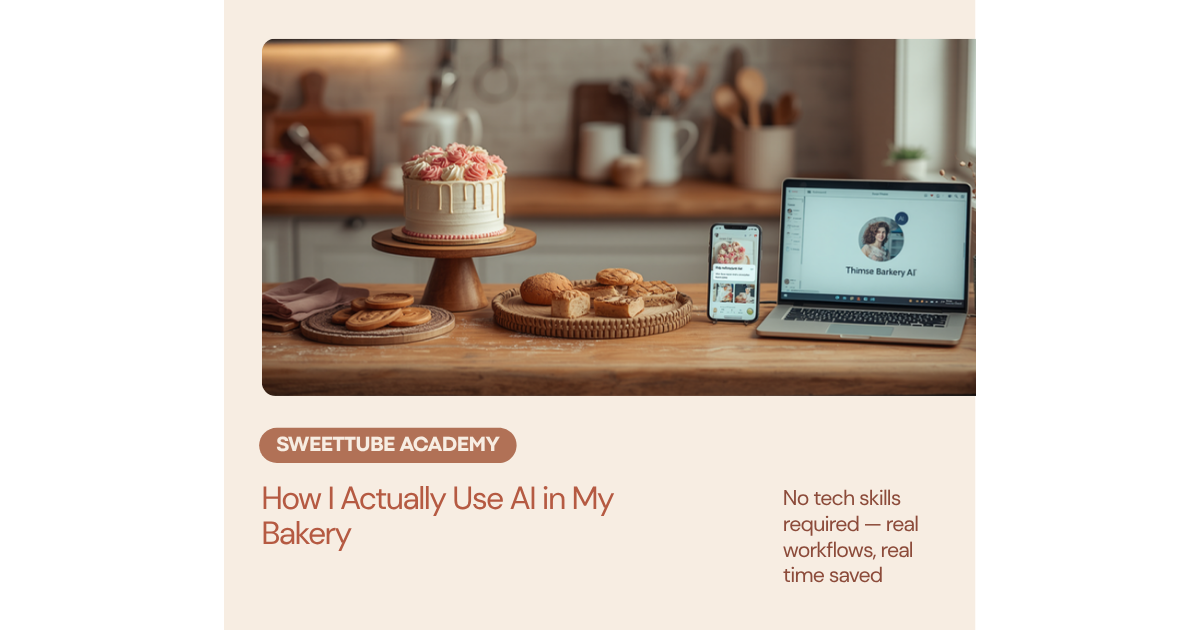
I’m going to be honest with you: I rolled my eyes at AI for a solid
year.
Everything I bake is from scratch. Real butter, real vanilla, real
hours. The idea of letting a computer anywhere near my bakery felt like
the opposite of everything I stand for. If you’ve felt that too — I get
it, and this post isn’t going to tell you to change what you bake or how
you bake it.
Because here’s what I finally figured out: AI has no business
touching your recipes. But the other half of running a bakery —
the DMs, the quotes, the captions, the “gentle reminder about that
deposit” messages you rewrite four times before sending? That half was
eating my evenings alive. And that’s the half AI is genuinely,
shockingly good at.
These days I run every one of these workflows in my own bakery,
Marcia’s Micro-Bakery. Here’s exactly what that looks like — real
examples, real time saved.
1.
The “how much for a cake?” DM (was: 20 minutes of dread — now: 2
minutes)
You know this message. No date, no servings, no design — just “how
much for a birthday cake?”
I used to stare at it, start typing, delete it, worry I sounded pushy
asking for details, worry I’d scare them off mentioning my minimum. Now
I paste the message into ChatGPT with a prompt that asks for a warm
reply requesting the details I need — date, servings, flavors,
inspiration photos — and mentioning that my custom cakes start at $60,
so we’re on the same page early.
It drafts something in seconds. I tweak two words so it sounds like
me, and it’s sent. The customer gets a faster, friendlier, more
professional reply than the one I would have agonized over.
2.
Pricing sanity checks (with my SweetPrice™ method built in)
AI will happily do pricing math with you — but only as well as the
method you give it. I tell it exactly how I price: find your True Cost
first (every ingredient, every box, every hour — including the hour you
spent messaging the customer), then build three tiers: Minimum,
Recommended, and Premium.
So when a tricky order lands — say a two-tier with fresh florals, $22
in ingredients, six hours of work — I hand the AI my numbers and it
walks the math out loud where I can check it. Ingredients plus
packaging, labor at my real hourly rate, and three prices at the end. No
more “$85 feels right, I guess.” The AI doesn’t decide my price; it
makes sure my price isn’t a feeling.
One warning from someone who uses this weekly: always
double-check the arithmetic. AI is a wonderful pricing coach
and an occasionally careless calculator. The method is the magic — the
math is still yours to verify.
3. Instagram
captions from photos I already have
I love baking. I do not love staring at a photo of lemon cupcakes at
9 PM trying to think of something that isn’t “yummy lemon cupcakes!
🍋”
Now I describe the photo — a dozen lemon cupcakes, swirled cream
cheese frosting, morning light, they were for a retirement party —
and ask for a caption with a hook in the first line, one call to action,
and local hashtags. Thirty seconds later I have a draft. I add the
detail only I know (the retiree cried, it was lovely), and post.
A week of captions now takes me one coffee. It used to take five
evenings.
4. The
hard messages — deposits, price increases, saying no
This is the one I wish someone had told me about sooner.
The deposit reminder to the customer who went quiet. The price
increase announcement I put off for eight months while butter climbed
30%. The “I’m so sorry, I’m fully booked” that doesn’t burn a bridge.
These messages are hard because we’re emotionally in them — we
apologize too much, explain too much, cave too fast.
AI isn’t emotionally in them. It drafts the version where you’re kind
AND you hold your policy. I read it, soften or firm it up, and send. My
deposit reminders went from three days of avoidance to a two-minute task
— and my booking calendar stopped having “penciled in” limbo orders.
What I will never use AI for
Two things, and I mean it:
My recipes and my baking. That’s the craft. That’s
why people order from a real baker instead of a grocery store shelf.
Nothing changes there — AI writes about my cakes; it will never
touch them.
Cottage food laws. AI sounds confident even when
it’s wrong, and it gets state laws wrong a lot. What’s legal in
Texas is prohibited in New Jersey, rules change constantly, and a wrong
answer isn’t a typo in a caption — it’s a fine, or worse. Your state’s
health or agriculture department (the actual .gov page, or a human on
the phone) is the only source that counts. Use AI to write beautifully;
use official sources to operate legally.
How to start (it
takes 60 seconds, I promise)
If you’ve never touched ChatGPT: go to chatgpt.com or claude.ai, make
a free account, and you’ll see a text box like a giant text message.
That’s the whole thing. You cannot break it. The free version is
plenty.
The only secret is that detailed requests get dramatically better
results than vague ones — “write me a caption” gets you mush; a prompt
with your business name, your city, your photo described in detail, and
your rules (“no ‘indulge,’ no ‘treat yourself’”) gets you something that
actually sounds like you.
That’s exactly why I wrote my best prompts down. ♡
I put the 5 prompts I use most — the vague-DM reply, my
SweetPrice™ pricing walkthrough, the caption machine, the deposit
reminder, and the polite lowball deflector — into a free PDF you can
start using tonight. Grab the
5 Free AI Prompts for Bakers here (cookie bakers, your
version is here — with a cookie set pricer that counts your
decorating hours).
Your evenings belong in the kitchen — or on the couch. Not in your
inbox.
With love and buttercream, Marcia